

Always On
Continuously generates new email ideas based on your audience behavior and industry benchmarks
Expert-Informed
Trained on high-performing emails and 100+ best practices from world-class email marketers
On-Brand
Uses your design system and brand voice for consistent look and feel
How Brew Recommendations Works
Brew Recommendations analyzes your audience engagement patterns, industry benchmarks, and company profile to create ready-to-use email templates across all three types:- Campaigns: One-time emails like newsletters, promotions, and announcements
- Automations: Triggered sequences like welcome series, abandoned cart recovery, and customer win-back flows
- Transactional Emails: Essential communications like order confirmations, shipping notifications, and account updates
Email Types Brew Recommends
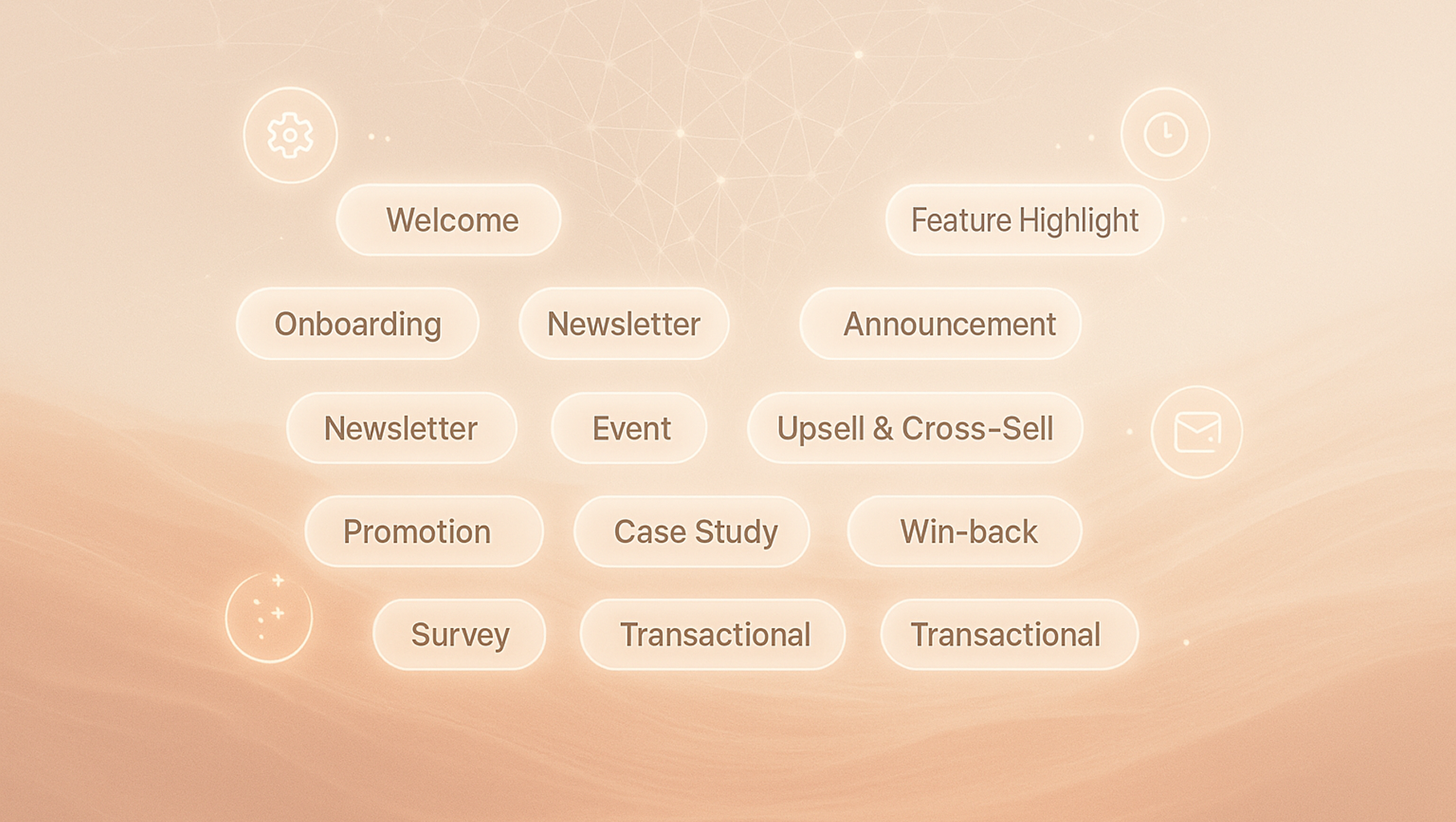
Brew Recommendations creates a wide variety of email templates based on proven marketing strategies. Here are some of the email types you’ll receive:Welcome
Introduce your brand and set expectations for new subscribers
Onboarding
Guide customers to their first success and build trust
Feature Highlight
Explain how a feature works and why it’s useful
Announcement
Share big news like launches, initiatives, or milestones
Newsletter
Keep stakeholders in the loop on important updates or news
Event
Invite customers to join webinars or live events
Promotion
Create urgency with exclusive discounts or limited-time offers
Upsell & Cross-Sell
Recommend complementary products or upgrades
Referral
Reward customers for bringing in new customers
Educational
Share tips, tutorials, or best practices to help customers succeed
Case Study
Show how others have achieved success by using your product
Win-Back
Reactivate dormant customers with targeted messaging
Survey
Ask for feedback to collect customer insights
Transactional
Notify customers of critical account or purchase information
Need Help?
Our team is ready to support you at every step of your journey with Brew. Choose the option that works best for you:- Self-Service Tools
- Talk to Our Team
Search Documentation
Type in the “Ask any question” search bar at the top left to instantly find relevant documentation pages.
ChatGPT/Claude Integration
Click “Open in ChatGPT” at the top right of any page to analyze documentation with ChatGPT or Claude for deeper insights.