June 2026 · Available on all plans.
Historical note · June 2026 · Describes Brew as of June 2026. For current
behavior, see the MCP Quickstart.
What Shipped
Until now, Brew ran in the Brew app. Today, we’re shipping the Brew MCP server: connect Brew to your AI assistant and it does real work, not just talk about it. Draft an email, send it, build an automation, segment your list, pull the numbers, all on-brand and through your verified domain.- Brew’s full toolset: drafting, sending, audiences, automations, and analytics
- One connection, scoped to one brand
- Works with Claude, Cursor, ChatGPT, and any MCP client
- Read tools are free; sends and generations cost credits, and the capability catalog lists each cost up front
Connect
Brew is its own OAuth 2.1 connector, so most clients connect with no key at all. Add the connection URL as a custom connector, it’s the same for every brand: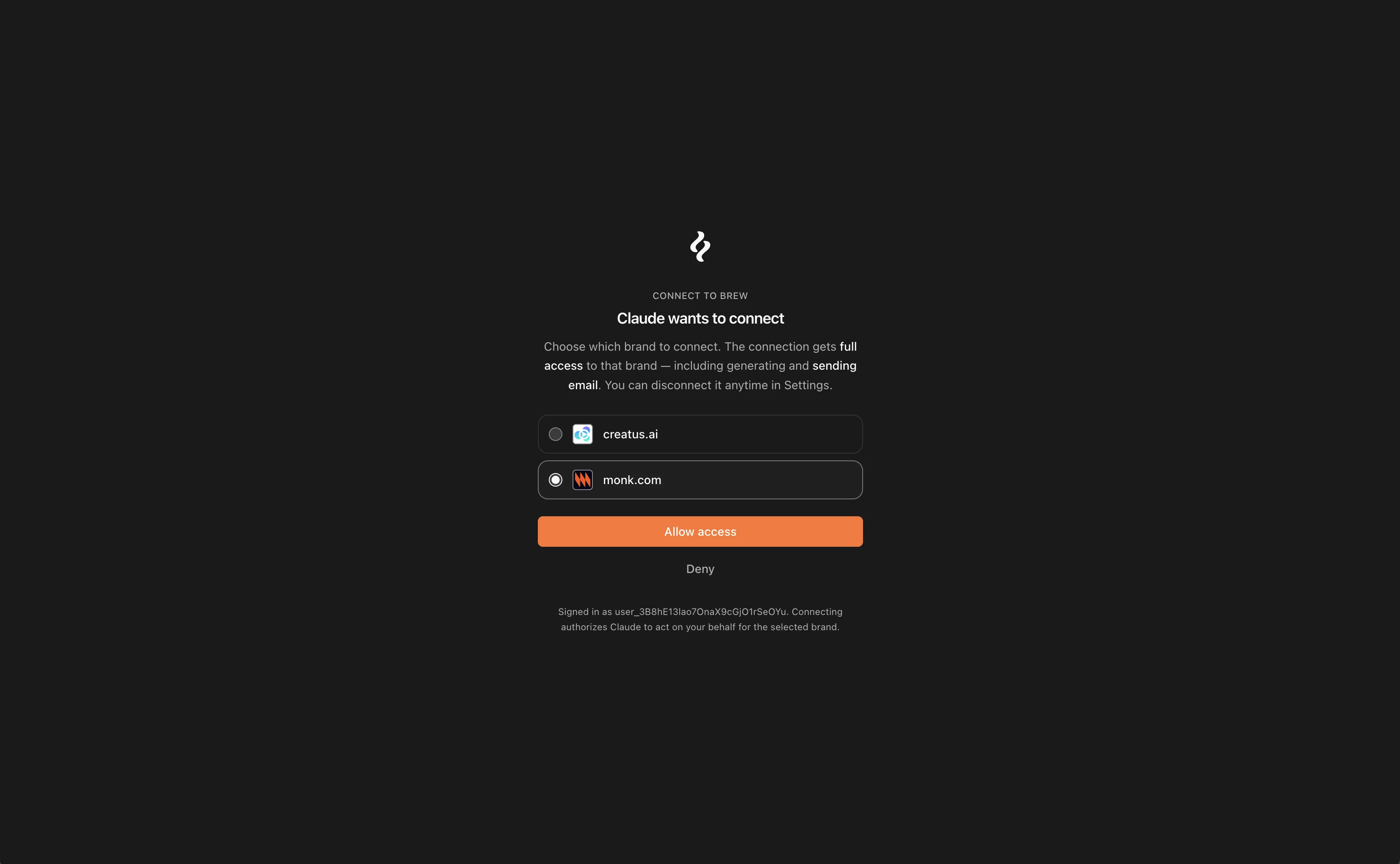
get_brew_capabilities first. It
returns the tool catalog, scopes, credit costs, and the built-in workflows,
so the agent knows what it can do before it acts.
Launch an Email Send
The full create, send, analyze loop runs in one conversation. Ask your assistant to “write a launch email, match our brand, schedule it Tuesday 9am to trials,” and it chains:idempotency_key so a retry never sends twice.
send_email is fail-closed: it refuses rather than risk a double send.
Build Automations and Segments
create_trigger, create_automation, then
update_automation { published: true } stands up a welcome series or
win-back flow. create_audience with filters builds a segment from a
plain-English description. test_automation dry-runs before you publish.
Compose with Your CRM
Connect Brew alongside a CRM or enrichment MCP like Clay or Attio. Your assistant pulls fresh data on a contact who already opted in and writes it to their Brew profile withcreate_custom_field. Then it segments on that field,
sends a one-off email to the group, and reads the analytics. No copying between
tabs, and no sending to anyone who did not opt in.
Resume a Brew Chat in Your Assistant
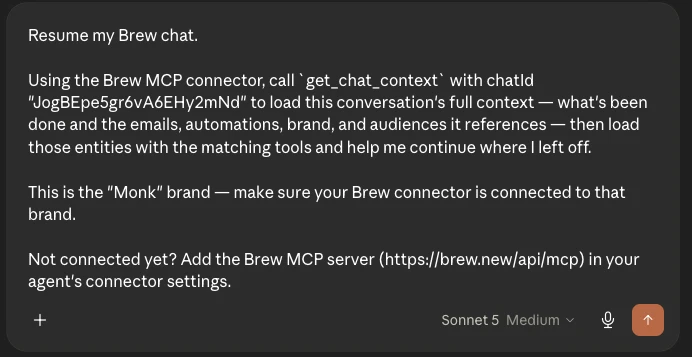
We also added a button to move a conversation from Brew into your own assistant. Start a new email in Brew and hit the button. Your assistant loads the full context: what’s been done, and the emails, automations, brand, and audiences the chat references.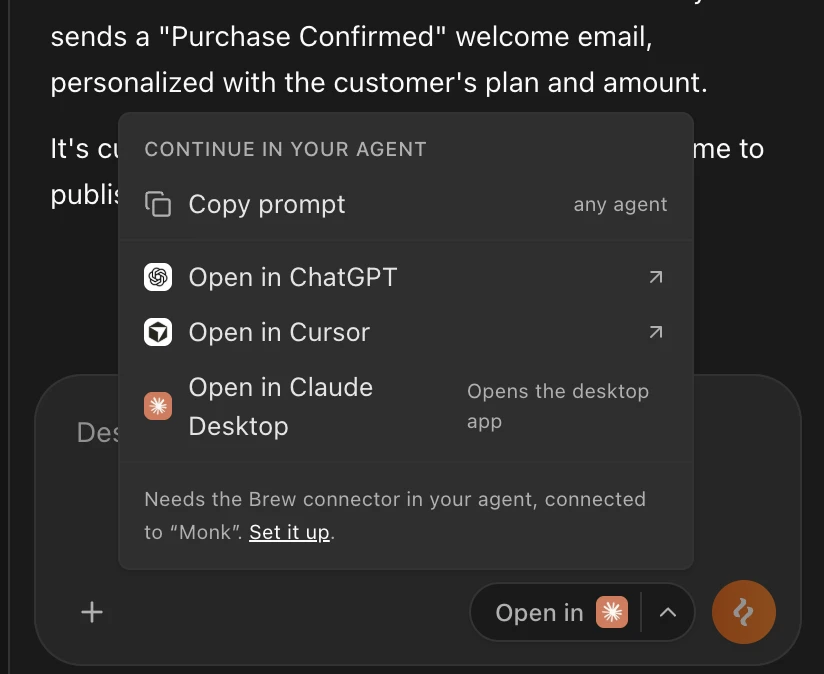
get_chat_context with the chat ID, then loads each referenced
entity with its matching tool. That way you pick up exactly where you left
off.